
Open the Registration Form
Click the button below to open the sign-up page. You can choose from one-click, phone, email, or social media registration.
Registering on the platform gives you full access to casino games, sports betting, and live dealer tables. The process takes less than two minutes and opens the door to deposits, bonuses, and withdrawals. Login keeps your account secure and allows you to track bets, manage funds, and claim promotions. Verification protects your account and guarantees fast withdrawals without delays. The entire flow works smoothly on desktop and mobile app. You can complete registration, login, and verification without hassle. Support is available 24/7 if you need help. New users receive a welcome bonus up to 100% of the first deposit amount.
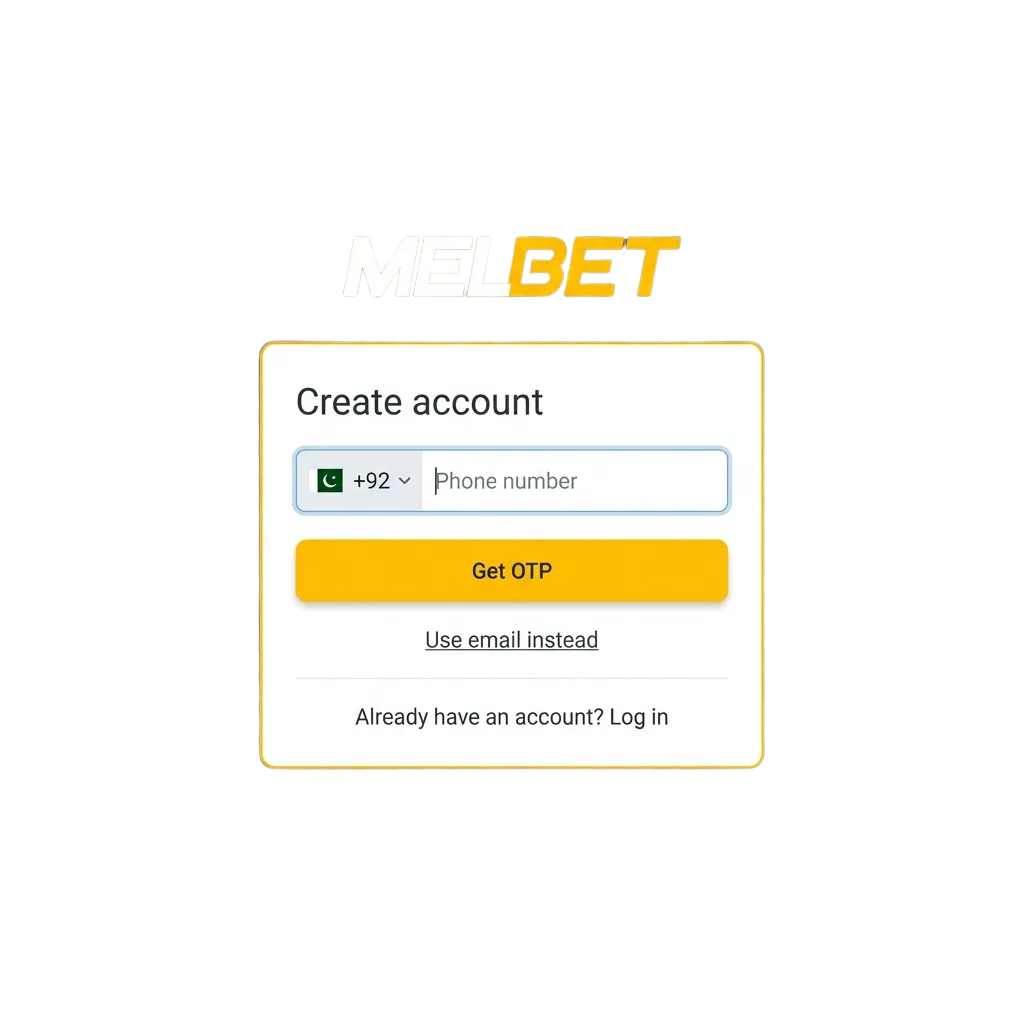
Signing up gives you immediate access to sports markets and casino games. Follow these steps to create your profile.
Click the button below to open the sign-up page. You can choose from one-click, phone, email, or social media registration.
Pick one-click for instant access, phone for SMS confirmation, email for traditional setup, or social media for quick login.
Provide your phone number or email, create a password, and select Pakistani Rupees as your currency.
Tick the box to confirm you’re over 18 and agree to the platform’s rules.
Click the final button to finish. You’ll receive a confirmation message and can log in right away.
The mobile app offers the same registration methods as the site but optimised for smaller screens. If you’ve already downloaded the app, follow these steps.
Open the app on your Android or iOS device. Tap the registration button on the home screen.
Select one-click, phone, email, or social media login. Phone and email are the most popular in Pakistan.
Enter your mobile number or email address, set a strong password, and confirm your currency as PKR.
If you chose phone registration, enter the SMS code. For email, click the link sent to your inbox.
Once verified, you can deposit, claim bonuses, and place bets directly from the app.
Before you create your profile, make sure you meet the basic requirements. The platform follows strict rules to protect users and comply with local regulations. Here’s what you need to keep in mind.
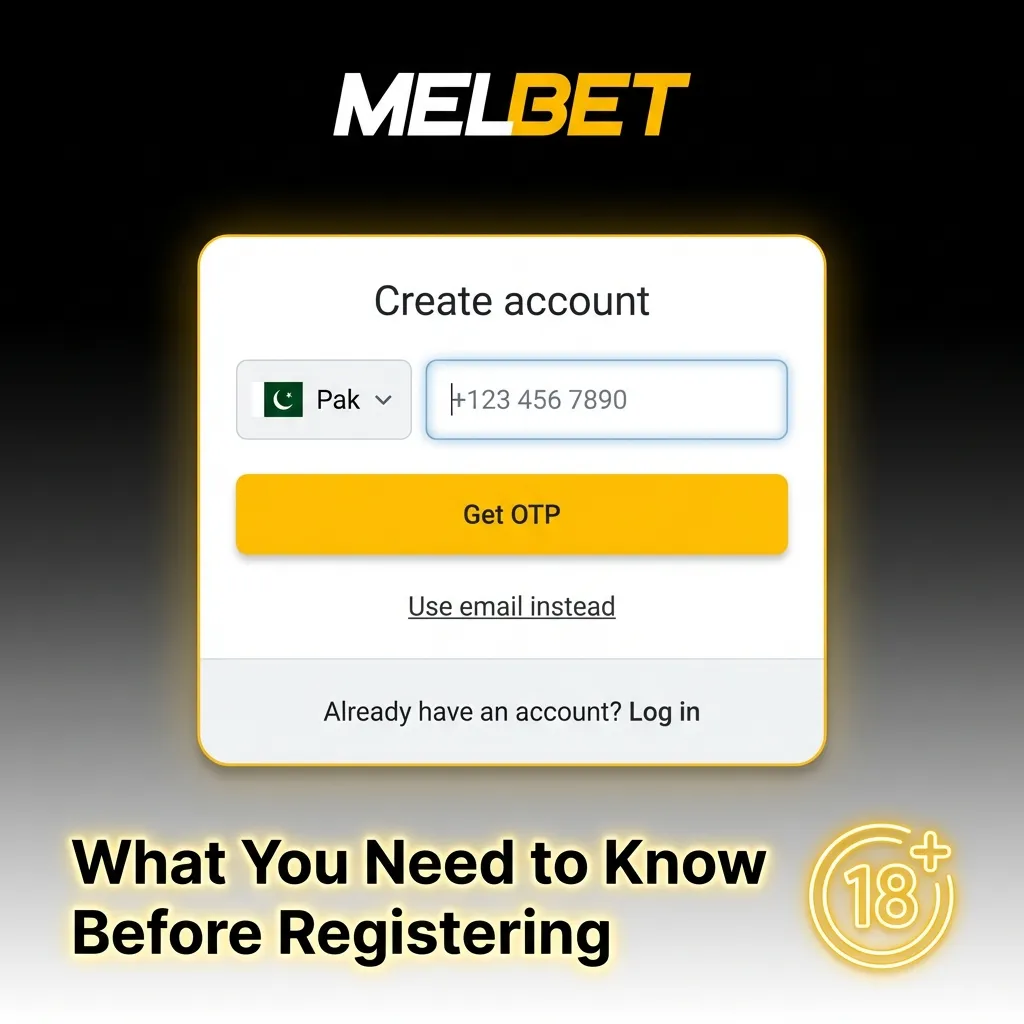
Verification confirms your identity and protects your account from unauthorised access. It’s required before you can withdraw funds. The process is straightforward for users in Pakistan and usually takes 24 to 48 hours.
Verify your contact details by clicking the link sent to your email or entering the SMS code.
Submit a clear photo of your CNIC or passport. Make sure all corners are visible and text is readable.
Provide a utility bill, bank statement, or government letter dated within the last three months.
The team reviews your documents and sends a confirmation message once your profile is verified.
Logging in gives you access to your balance, betting history, and active promotions. You can log in from any device using the same credentials.
Click the button below to open the login form on this site.
Type your registered phone number or email and your password. Double-check for typos.
Tap or click to access your dashboard. If you chose one-click registration, use your account ID instead.
New users can claim a welcome bonus up to 100% of their first deposit. The platform offers separate bonuses for casino players and sports bettors.
| Bonus Type | Maximum Amount | Minimum Deposit | Wagering Requirement |
|---|---|---|---|
| Sports Betting Bonus | Up to 100% | PKR 500 | 5x rollover on accumulators |
| Casino Welcome Bonus | Up to 100% | PKR 500 | 35x rollover on slots |
You can only claim one welcome bonus per account. Choose the option that fits your playing style before making your first deposit.

Claiming your bonus is simple once your profile is set up. Follow these steps to get your reward.
Access your profile using your phone number or email.
Deposit at least PKR 500 using any available payment method. The bonus is credited automatically.
Some bonuses need activation in the promotions section. Check your account settings to confirm.
Use your bonus funds on eligible games or bets. Meet the wagering requirements to convert bonus money into withdrawable cash.
Most sign-up issues are easy to solve. Here are the most frequent problems and their solutions.

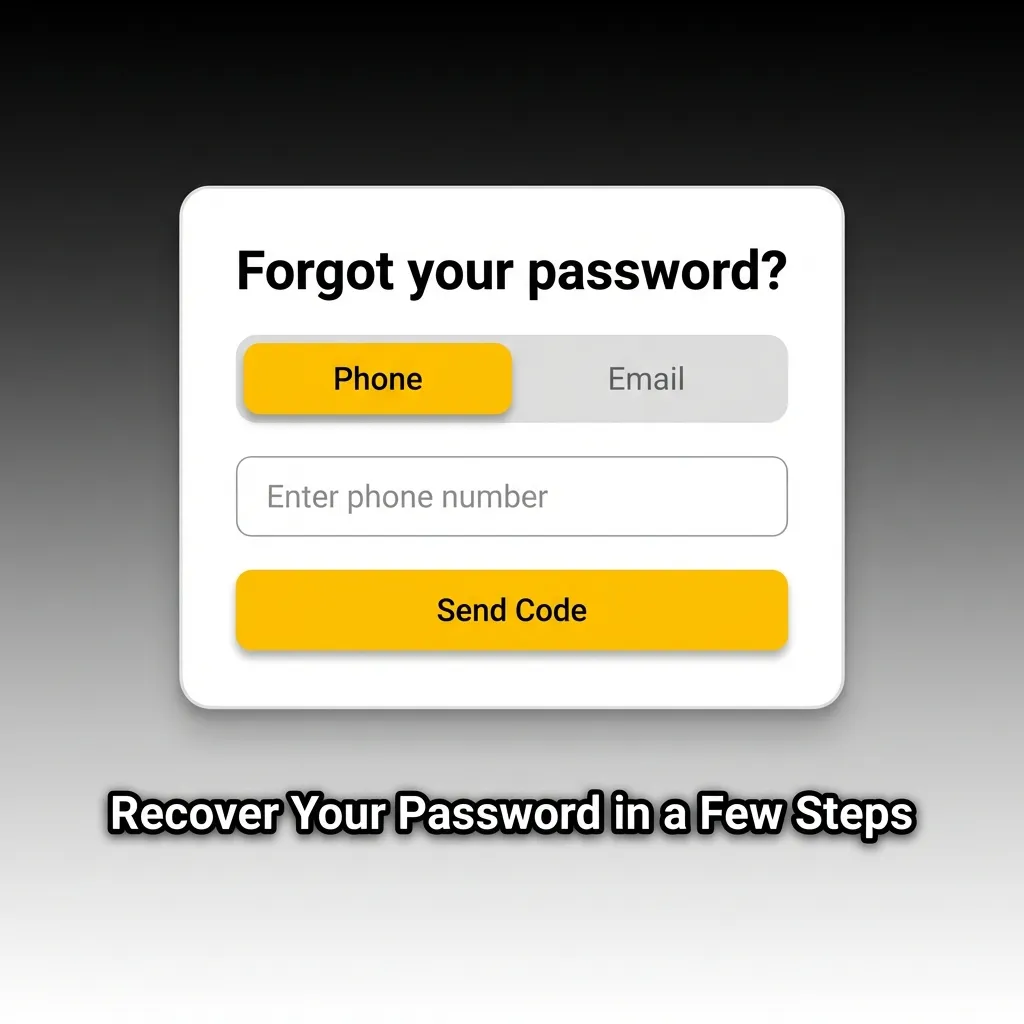
If you forget your password, you can reset it quickly using your registered contact details.
If you don’t receive the recovery message, check your spam folder or contact support for help.
You can request account deletion if you want to stop using the platform. This action is permanent and cannot be reversed.
Make sure to withdraw any remaining balance before deleting your profile.
Yes, players from Pakistan can sign up and use the platform without restrictions.
Verification usually takes 24 to 48 hours after you submit your documents.
Yes, contact customer support to update your phone number or email address.
You can recover your ID by contacting support and providing your registered email or phone number.
Yes, all documents are encrypted and stored securely. Verification is required to comply with regulations and protect your account.
Updated: