
Access the download page
Click the button below to reach the official download section on this website.
The desktop application brings live casino, roulette, slots, and table games directly to your computer. It supports Windows and MacOS operating systems and is completely free to download. Functionality matches the web platform but offers faster performance, full-screen interface, and fewer interruptions during gameplay.
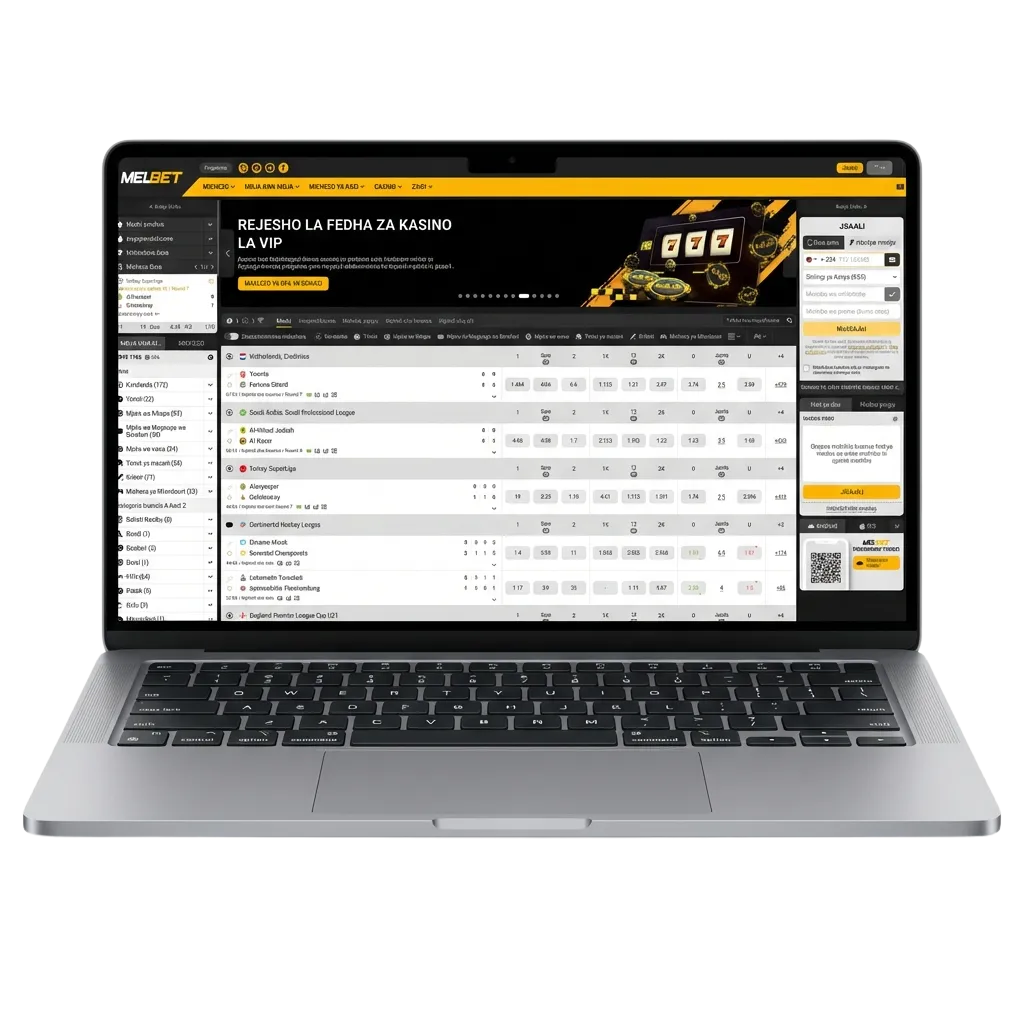
The desktop client delivers faster loading times, stable connections during live betting, and dedicated hardware acceleration for smoother graphics. Main advantages include no browser dependency, automatic login retention, and better multitasking without browser tab clutter.
PC Client Size
45 MB
Available Languages
English, Bengali, Hindi, Russian, Turkish
Category
Sports Betting, Online Casino, Live Dealer, Instant Games, Slots, Table Games
Compatible with Windows
Windows 7, 8, 10, 11
Compatible with macOS
macOS 10.12 and later
Installing the PC client offers clear performance benefits but requires storage space. Here’s how the advantages and disadvantages compare.
| Pros | Cons |
|---|---|
| Faster game loading compared to browser | Requires installation and storage space |
| No browser crashes or tab freezing | Manual updates needed occasionally |
| Better graphics rendering for live dealer games | Limited to one device per installation |
| Stable connection during high-traffic periods | |
| Automatic login saves time | |
| Full-screen mode improves focus | |
| Lower memory usage than multiple browser tabs |
The application runs smoothly on Windows 7 and newer versions. System requirements are minimal—any modern computer handles the software without performance issues.
Click the button below to reach the official download section on this website.
Select the Windows version and save the installer file to your computer.
Open the downloaded file and follow the on-screen instructions.
Wait for the process to finish, then launch the application from your desktop icon.
Enter your credentials or create a new account directly in the application.
The Mac version works on devices running macOS 10.12 or later. Installation follows standard macOS procedures.
Click the button below to reach the download section on this website.
Select the macOS installer and save it to your Downloads folder.
Locate the downloaded file and double-click to begin installation.
Follow the prompts to move the app to your Applications folder.
Open the app from Applications and enter your account details or register a new profile.
Regular updates improve security and add new features. The client notifies you when an update is available.
Launch the application from your computer.
A notification will appear if a new version is available.
Click the update prompt and wait for the download to complete.
Close and reopen the app to apply changes automatically.
Creating an account through the desktop app takes less than two minutes. New users gain access to welcome bonuses and full platform features immediately after registration.
Launch the client on your computer.
Click “Sign Up” or “Register” on the main screen.
Select from one-click, phone number, email, or social media options.
Provide your details, confirm your age, and agree to the terms.
Check your email or phone for a verification code and enter it to activate your profile.
You don’t need to download anything to enjoy the full range of betting and casino games. The official website provides all features available in the desktop client, including live betting, slot machines, and payment processing. Access the platform directly from any browser on your computer without installation. This option suits users who prefer not to use storage space or who share their computer with others.

Customer support is available around the clock for users experiencing technical issues or needing assistance. Multiple contact methods ensure quick responses.
| Contact Method | Details |
|---|---|
| Live Chat | Available 24/7 through the desktop app or website |
| [email protected] — responses within 24 hours | |
| Phone | +880-XXXX-XXXXXX (check website for current number) |
| Social Media | Facebook, Telegram — direct messages accepted |
| FAQ Section | Comprehensive guides available in the app and on the website |

Yes. Your credentials work across all platforms—desktop client, browser, and mobile apps. Your balance, betting history, and profile settings sync automatically.
Yes. The application needs an active internet connection to load games, place bets, and update odds. Offline functionality is not available.
The installer is approximately 45 MB. After installation, the app occupies around 100–150 MB depending on cached data and temporary files.
Yes. Uninstall the client through your operating system’s standard removal process. Your account remains active and accessible through the website.
No. The app provides the same games, betting markets, and payment options as the website. The main difference is performance and interface optimisation for desktop use.
Updated: