
Step 1: Open the Registration Form
Click the button below to access the signup form on this website.
Registration opens access to sports betting, casino games, and live dealer tables on Melbet. The process takes less than two minutes and works on any device. Login keeps your account secure and your balance protected. Verification confirms your identity and guarantees fast withdrawals without delays. The website and mobile app provide the same features and account access. Registration, login, and verification follow simple steps designed for Indian players. Support is available 24/7 if you need help. New users receive a 150% first deposit bonus up to ₹40,000 INR after completing registration.
150% first deposit bonus ₹40,000 INR
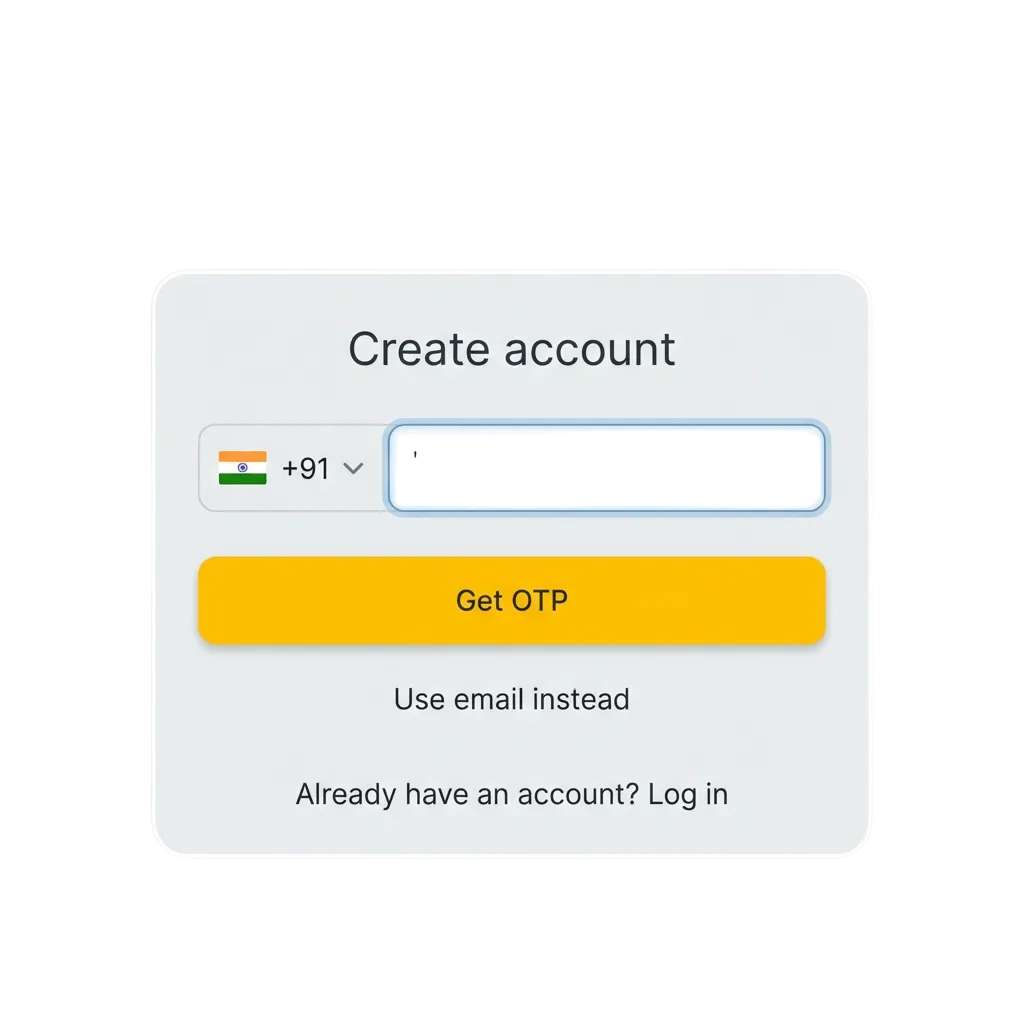
You can register through one-click signup, phone number, email, or social media. The form takes less than a minute to complete.
Click the button below to access the signup form on this website.
Select one-click, phone, email, or social media (Google, Telegram, or VK). Each method leads to the same account type.
Provide your phone number or email, choose a password, and select INR as your currency. Confirm you are 18+ and accept the terms.
Click the final button to create your account. You will receive a confirmation message and can log in immediately.
Add your full name, date of birth, and address in the account settings. Upload identity proof when prompted to enable withdrawals.
The mobile app offers the same methods as the website but optimised for touchscreens. You can complete the process without switching devices.
Click the button below to get the app, then open it on your phone.
Find the signup option on the home screen and tap it to start.
Choose one-click, phone, email, or social login. The app supports all options available on the website.
Enter your phone number or email, create a password, and select INR. Confirm your age and agree to the terms.
Tap the final button to complete signup. The app logs you in automatically and takes you to the main lobby.
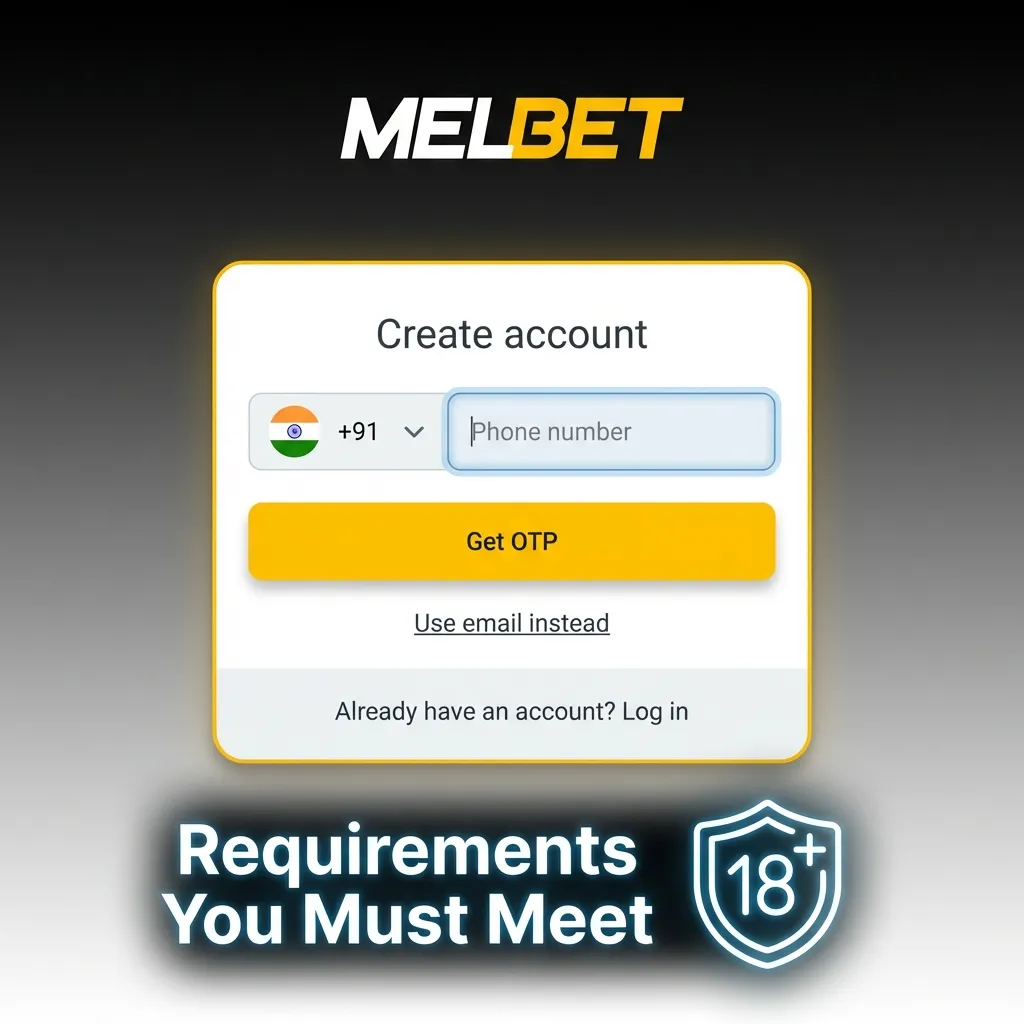
You must meet certain conditions before creating an account. The platform enforces these rules to comply with Indian gambling laws and protect all users. Review these requirements before starting the process.
Verification confirms your identity and protects your account from unauthorised access. It also ensures you can withdraw winnings without delays. Indian users must complete verification before requesting their first payout.
Add your full name, date of birth, and residential address in the account settings. Make sure the details match your ID documents.
Confirm your phone number by entering the code sent via SMS. Verify your email by clicking the link in the confirmation message.
Upload a clear photo or scan of your Aadhaar card, PAN card, passport, or driving licence. The document must show your name, photo, and date of birth.
Provide a recent utility bill, bank statement, or government-issued document showing your current address. The document must be dated within the last three months.
The support team reviews your documents within 24 to 48 hours. You receive a confirmation email once verification is complete.
You can log in using the same method you chose during signup. The process takes seconds on any device.
Click the button below to access the login page on this website.
Provide your phone number, email, or user ID. Type your password in the second field.
Press the button to access your account. You will see your balance and available games on the dashboard.
If you registered via Google, Telegram, or VK, click the social icon and authorise access through the service.
New users receive a 150% first deposit bonus up to ₹40,000 INR for sports betting or casino games. You choose the bonus type when making your first deposit. Both offers follow the same structure but apply to different game categories.
| Bonus Type | Bonus Amount | Minimum Deposit | Wagering Requirement |
|---|---|---|---|
| Sports Betting | 150% up to ₹40,000 | ₹100 | 5x on accumulator bets with odds 1.40+ |
| Casino Games | 150% up to ₹40,000 | ₹100 | 50x on slots and table games |

The bonus activates automatically when you make your first deposit and choose the offer type. You must complete wagering requirements before withdrawing bonus funds.
Complete signup and add your personal information. Verify your phone number and email address.
Go to the cashier section and choose a payment method. Deposit at least ₹100 to qualify for the bonus.
Choose sports betting or casino bonus before confirming the deposit. You cannot change the bonus type later.
Place bets according to the terms. Sports bets must be on accumulators with odds 1.40 or higher. Casino bets count towards the 50x requirement.
Some users face technical issues during signup. Most problems have simple solutions you can try before contacting support.

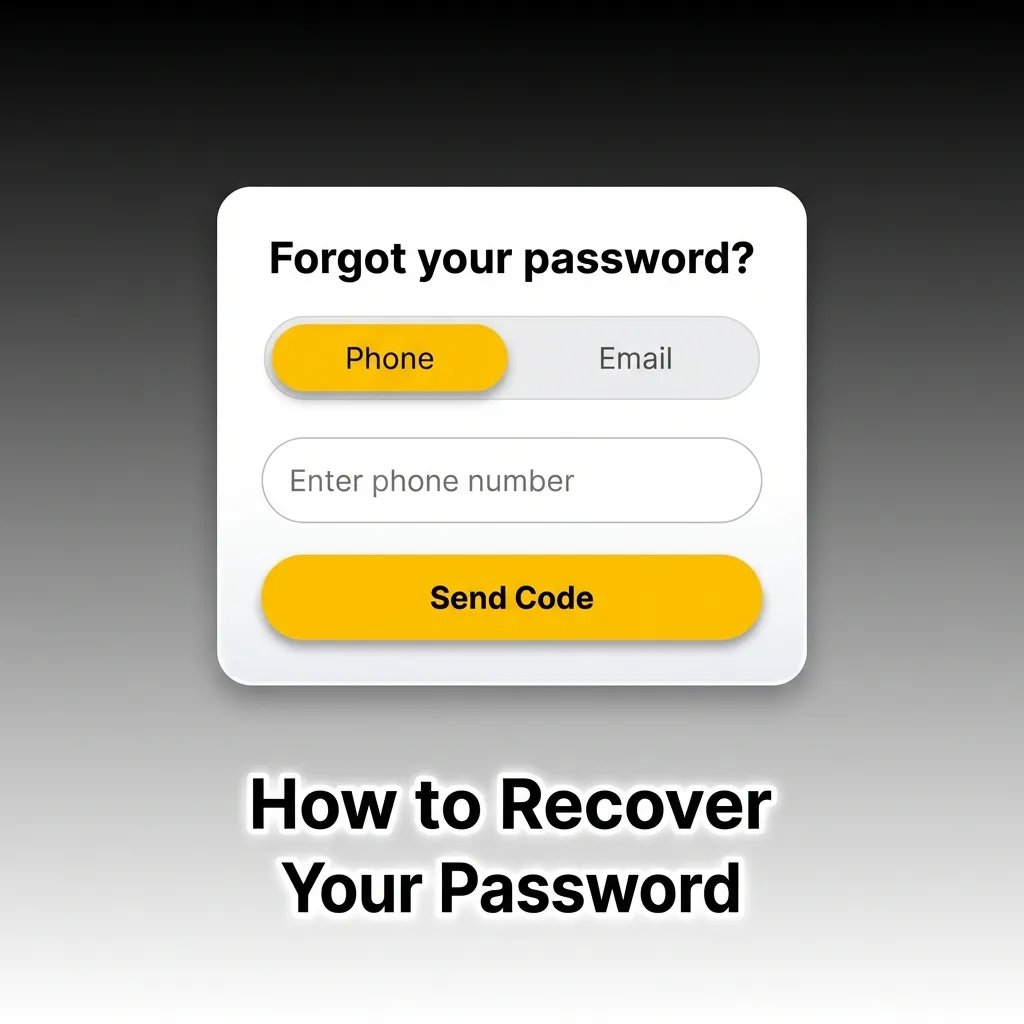
You can reset your password if you forget it or lose access to your account. The recovery process uses your registered phone number or email address.
You can request account deletion if you no longer want to use the platform. The process is permanent and cannot be reversed. You must withdraw any remaining balance before closing the account.
No. You must be 18 or older to create an account and place bets. The platform verifies your age during the process.
The support team reviews documents within 24 to 48 hours. You receive an email confirmation once approved.
Yes. Contact support via live chat with your account details and identity proof. They will update your contact information after confirming your identity.
You can log in using your registered phone number or email address instead. The platform does not require you to remember your user ID.
No. Only one account per person is allowed. Use the password recovery option or contact support to regain access to your existing account.
Updated: