Access Your Account in Seconds
Log in to your account using the website or mobile app by entering your credentials—email or phone number and password. The process takes just a few seconds after you’ve completed registration and verification. Your personal data stays protected through encryption and two-factor authentication, giving you instant access to sports betting markets, casino games, active bonuses, and all payment options.
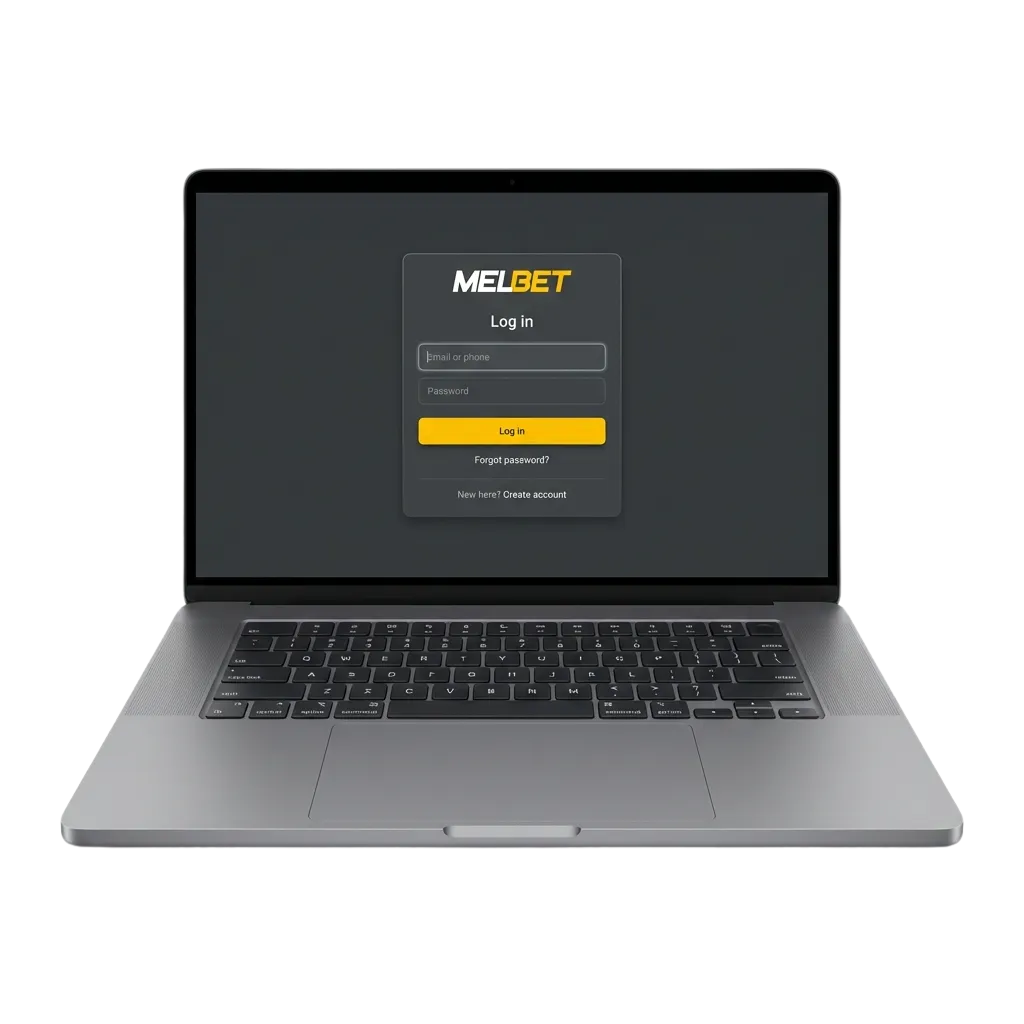
How to Sign In to Your Profile
You can access your profile through multiple pathways depending on which device you’re using. Available methods include: website login via email or phone number, mobile app sign-in, one-tap biometric authentication on supported devices.
Email Login Method
This method works across all devices and requires just your registered email address and password. It’s the most common way to access your profile and takes less than ten seconds to complete.
- Open the official website or app and locate the login button at the top right corner of the screen.
- Enter your registered email address in the first field.
- Type your password in the second field, ensuring correct capitalisation.
- Click the login button to access your dashboard and start placing bets or playing games.
Sign In Through the Mobile Application
The app offers faster access compared to the browser version, thanks to saved credentials and biometric authentication. You’ll also receive instant notifications about bet outcomes and bonus offers.
Open the app and tap the login button on the home screen.
Enter your email or phone number in the first field, then your password in the second field, or use fingerprint/face recognition if you’ve enabled biometric login.
Tap the sign-in button to access your profile and view all available markets.
Log InCheck your dashboard for active bets, available bonuses, and recent transactions.
Common Access Issues and How to Fix Them
Some technical problems can prevent you from accessing your profile, but most have quick fixes. Here are the most frequent issues and their solutions.
| Problem | Solution |
|---|---|
| Incorrect password error | Reset your password using the recovery link on the login screen, or check if Caps Lock is enabled |
| Account temporarily locked | Wait 30 minutes after multiple failed attempts, or contact support to verify your identity |
| Email or phone number not recognised | Confirm you’re using the exact credentials from registration, or try the alternative method (phone instead of email) |
| Page not loading or timing out | Clear your browser cache, switch to a different network, or try accessing through the app |
| Two-factor authentication code not received | Check your spam folder, request a new code, or use backup authentication methods if available |
Reset Your Password When You Can’t Remember It
The password recovery process takes just a few minutes and works through email or SMS verification. You’ll receive a secure link to create a new password and regain access to your profile.
Click the ‘Forgot Password’ link on the login screen.
Enter your registered email address or phone number in the recovery field.
Check your inbox or messages for a verification code or reset link, then follow the instructions to create a new password.
Return to the login screen and sign in using your new credentials.
Frequently Asked Questions
Can I stay logged in on multiple devices at the same time?
Yes, you can access your profile from different devices simultaneously. Your session remains active on each device until you manually log out or change your password.
What should I do if I’m getting an ‘invalid credentials’ error?
Double-check that you’re entering the correct email or phone number and password. If the error persists, use the password recovery option or contact support to verify your details.
Is biometric login available for all users?
Biometric authentication (fingerprint or face recognition) is available only on the mobile app and requires compatible hardware on your device. You need to enable this feature in your profile settings after your first successful login.
How long does my login session last before I need to sign in again?
Your session remains active for 30 days on the app and 7 days on the website, unless you log out manually. After this period, you’ll need to enter your credentials again.
What happens if I forget both my password and email address?
Contact customer support through the live chat option on the homepage. You’ll need to provide personal information for identity verification before support can help you recover your details.
Updated: