
Click the ‘Application’ Button
Locate the green ‘Download Application’ button at the top of this page and tap it to begin the APK file download.
The Melbet app brings cricket betting, live casino, and instant deposits to your fingertips. You can place bets faster than the mobile site, access exclusive app-only promotions, and enjoy smooth navigation on any Android or iOS device. New users receive a 150% first deposit bonus up to 40,000 INR when registering through the application.

The Melbet application delivers real-money betting and casino gaming to Indian players. You get faster load times, push notifications for live matches, and biometric login for quick access. Below is a detailed breakdown of what the application offers.
App Category
Sports Betting & Casino
Licence
Curaçao eGaming
Supported OS
Android 5.0+, iOS 11.0+ (PWA)
Latest Version
2.1.5 (Android), PWA (iOS)
Release Date
March 2018
Cost of Download
Free
Application Languages
English, Hindi, Bengali, Telugu, Tamil, Marathi
Supported Countries
India, Bangladesh, Nepal, Sri Lanka, and 100+ others
Welcome Bonus for Sports
150% up to 40,000 INR
Welcome Bonus for Casino
150% up to 40,000 INR
Bet Types
Single, Accumulator, System, Chain, Lucky
Customer Support
24/7 Live Chat, Email, Phone
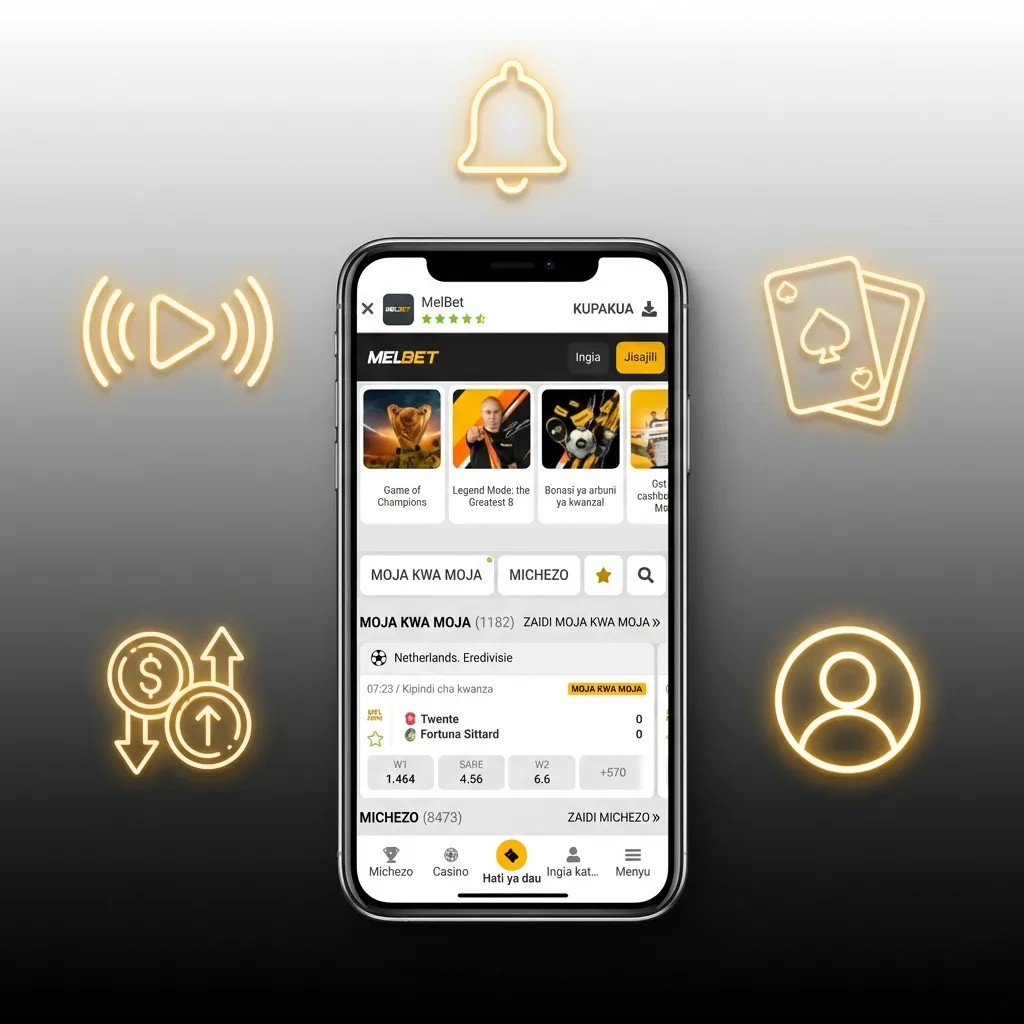
The interface uses a dark theme with bright accent colours for live events and promotions. You can switch between sports, casino, and live betting with a single tap at the bottom navigation bar.
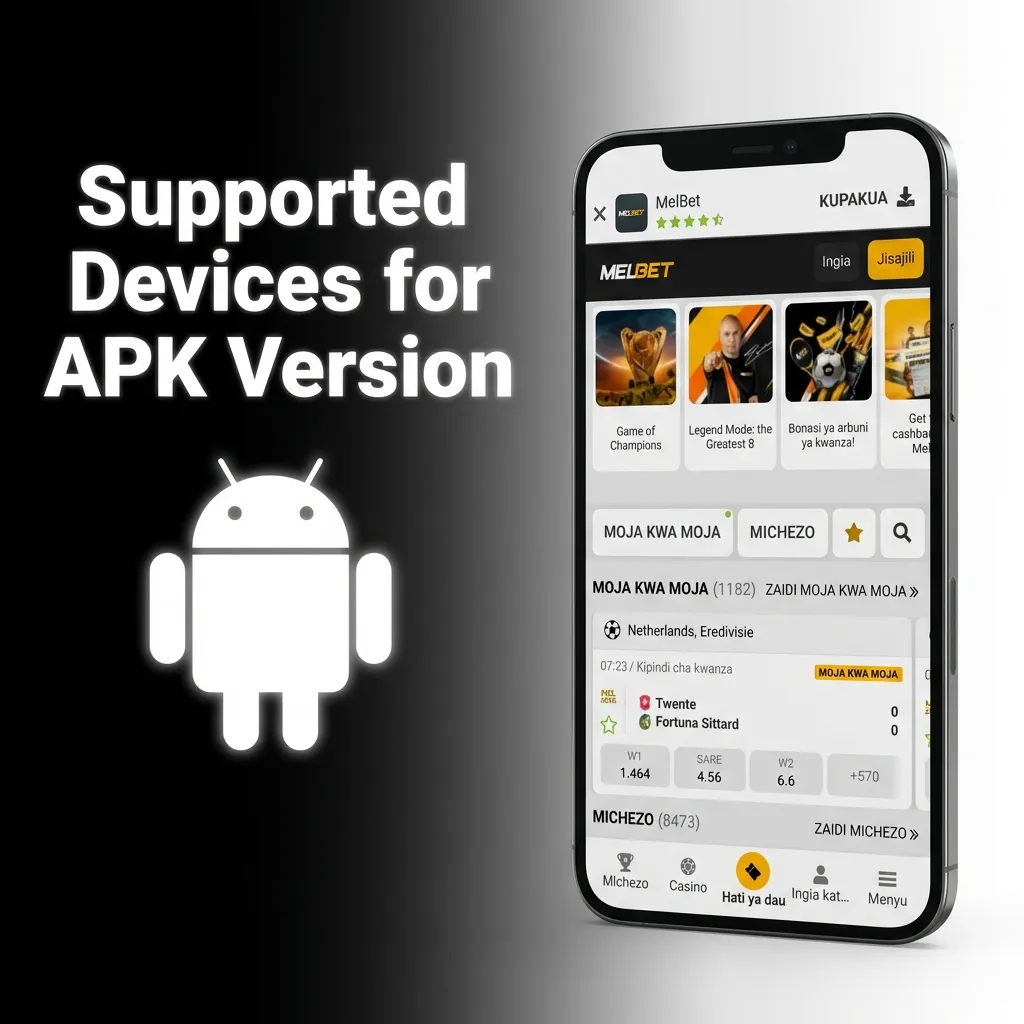
The APK version offers a direct installation method for Android users who prefer not to use third-party app stores. You download the file from the official site, enable installations from unknown sources, and install it manually. This version updates independently and provides the same features as any store-based application. Below is the complete technical breakdown.
Installing the APK takes under two minutes if you follow the correct sequence. You must enable unknown sources in your phone settings before starting the installation process.
Locate the green ‘Download Application’ button at the top of this page and tap it to begin the APK file download.
Your browser will show a download notification at the bottom of the screen.
Open the downloaded file, tap ‘Install’, and grant permissions when prompted.
The application runs on most Android devices released after 2015. You need a stable internet connection and enough storage for game cache and live streaming data.
| System Requirement | Specification |
|---|---|
| Operating System | Android 5.0 or higher |
| RAM | 2 GB minimum, 4 GB recommended |
| Storage Space | 150 MB for installation, 500 MB for cache |
The APK works on popular Android brands sold in India. You can install it on budget phones, mid-range devices, and flagship models without performance issues.
| Brand | Models |
|---|---|
| Samsung | Galaxy S24, Galaxy A54, Galaxy M34, Galaxy F14 |
| Sony | Xperia 5 V, Xperia 10 V |
| Huawei | P60 Pro, Nova 11 |
| OnePlus | 12, 11R, Nord 3, Nord CE 3 Lite |
| Oppo | Reno 11 Pro, F25 Pro, A78 |
| Pixel 8, Pixel 7a | |
| Xiaomi | 14 Pro, 13T, Redmi Note 13 Pro, Redmi 12 |
| Poco | X6 Pro, M6 Pro, C65 |
iOS users install the progressive web application (PWA) through Safari. This method creates a home screen icon that behaves like a native application without requiring App Store approval.
Tap the iOS download button on this page to open the mobile site in Safari browser.
Enter your credentials or register a new account if you do not have one.
Tap the Share icon at the bottom of Safari to open the sharing menu.
Choose ‘Add to Home Screen’ from the menu, then tap ‘Add’ to confirm.
Once logged in, you can place bets, deposit funds, and play casino games directly from the home screen icon.
The PWA runs on all iPhones that support iOS 11.0 or later. You can use it on older models like the iPhone 7 and the latest iPhone 15 series without compatibility problems.
| Brand | Models |
|---|---|
| Apple | iPhone 15 Pro Max, iPhone 15, iPhone 14, iPhone 13, iPhone 12, iPhone 11, iPhone SE (2022), iPhone XR, iPhone 8 |

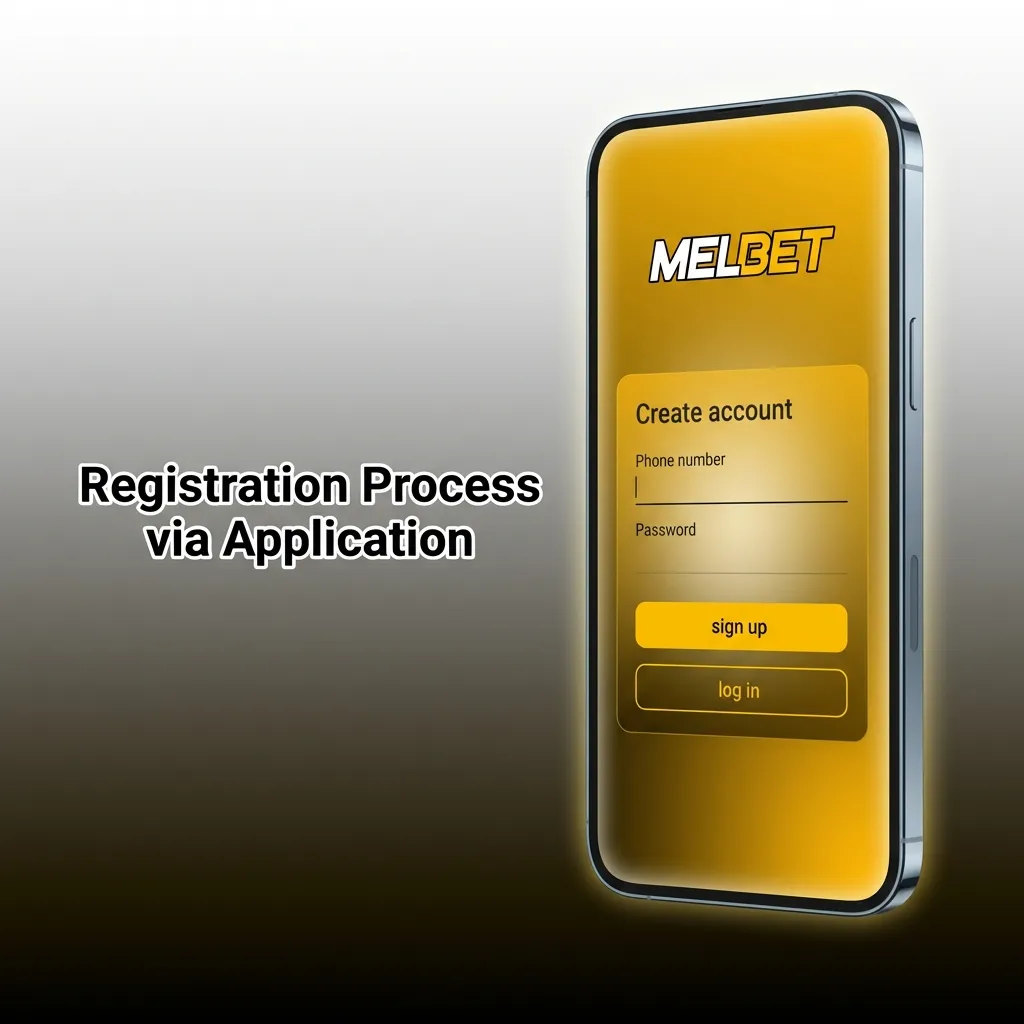
Creating an account through the application takes less than three minutes. You choose your preferred registration method, enter your details, and verify your mobile number or email address.
Mobile users receive the same promotions as desktop players, plus exclusive application-only offers. You can claim deposit bonuses, free bets, and cashback rewards directly from the promotions tab. All bonuses require wagering before withdrawal, and you must read the specific terms for each offer.
Type: First Deposit Bonus
Amount: 150% up to 40,000 INR
Terms and Conditions: Minimum deposit of 100 INR. Wagering requirement of 5x on accumulator bets with at least 3 selections at odds of 1.40 or higher.
Validity Period: 30 days from activation
Eligible Games: Sports betting (pre-match and live)
Type: Reload Bonus
Amount: 100% up to 20,000 INR
Terms and Conditions: Available on Fridays for deposits made between 00:00 and 23:59 IST. Wagering requirement of 5x on accumulator bets.
Validity Period: 7 days from activation
Eligible Games: Sports betting only
Type: Weekly Free Bet
Amount: Up to 5,000 INR
Terms and Conditions: Stake at least 10,000 INR on accumulator bets during the week to qualify. Free bet amount varies based on total stakes.
Validity Period: 3 days from credit
Eligible Games: Cricket, football, tennis, kabaddi

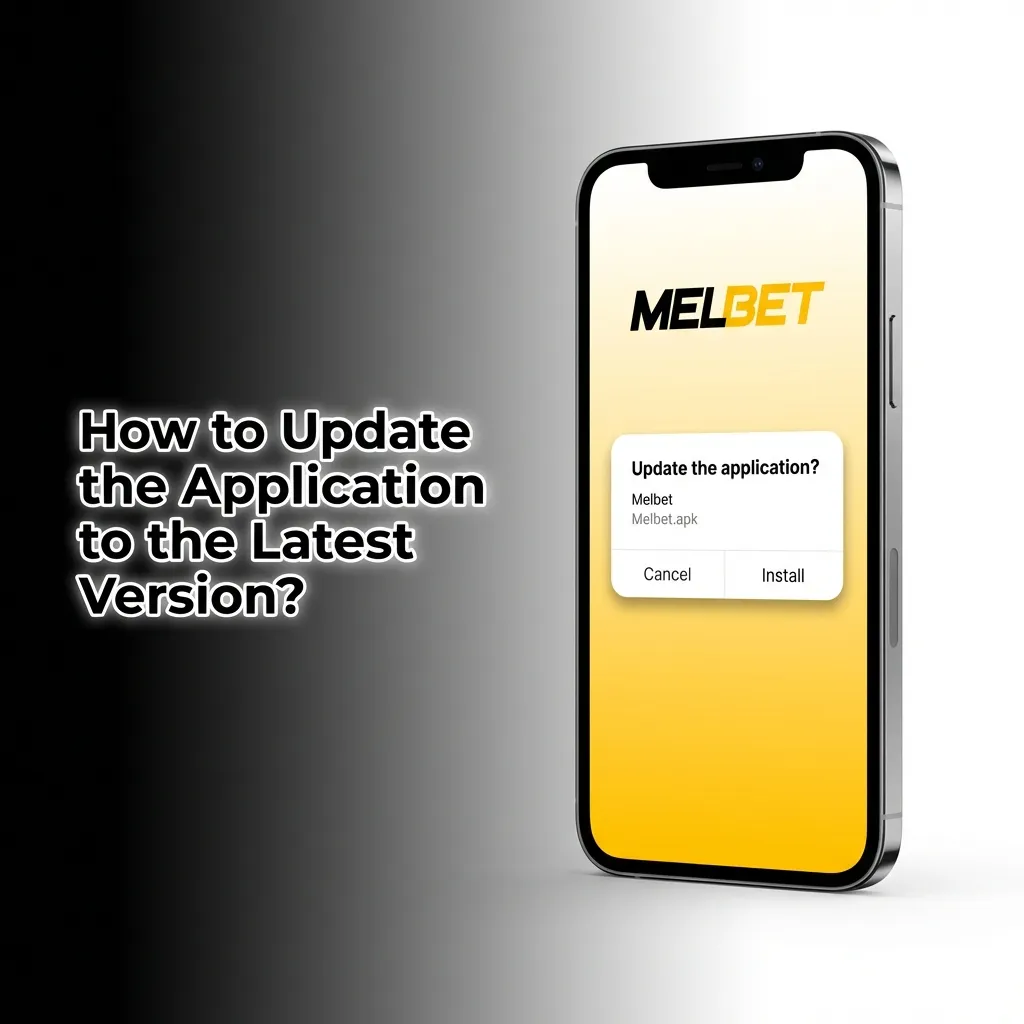
Android users receive update notifications directly in the application. Tap the notification and follow the prompts to download and install the new version. If you installed the APK manually, revisit this site and download the latest file. iOS PWA users do not need to update manually because the application updates automatically when you reload the page. Always check the version number in the settings menu to confirm you are running the latest release. Updating ensures you have the newest features, security patches, and bug fixes.
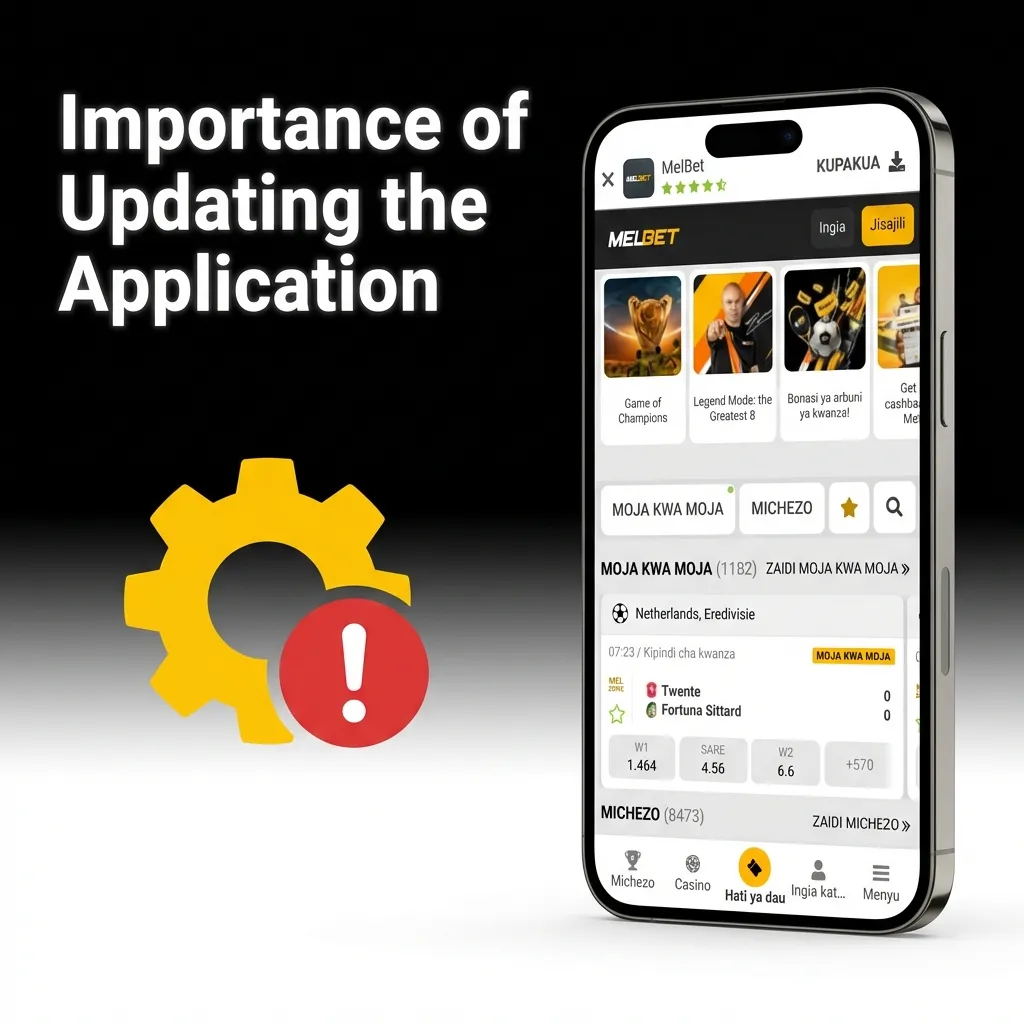
Updates improve security by patching vulnerabilities that could expose your account or payment data. You also gain access to new features like enhanced live streaming, faster payment methods, and improved navigation. Outdated versions may experience crashes during high-traffic events like IPL matches or major football tournaments. Regular updates ensure compatibility with the latest Android and iOS versions, preventing login errors and payment failures. Developers also optimise betting algorithms and odds displays in each update, giving you a better overall experience.
Placing a bet takes seconds once you have funds in your account.
Open the application and select ‘Sports’ from the bottom navigation bar.
Choose your sport (cricket, football, tennis, kabaddi) and select a match from the list.
Tap the odds for your chosen outcome to add it to your bet slip.
Enter your stake amount, review the potential payout, and tap ‘Place Bet’ to confirm.
Android users can uninstall by long-pressing the application icon on the home screen and selecting ‘Uninstall’. Alternatively, go to Settings > Apps > Melbet > Uninstall. iOS PWA users remove the icon by long-pressing it and tapping ‘Remove from Home Screen’. Deleting the application does not close your account or affect your balance.

Logging in is faster with biometric authentication or saved credentials.
Open the application and tap ‘Log In’ on the home screen.
Enter your registered mobile number or email address.
Type your password or use fingerprint/face recognition if enabled.
Tap ‘Log In’ to access your account.
If you forgot your password, tap ‘Forgot Password’ and follow the recovery steps sent to your email or phone.
The application combines sports betting, live casino, and instant transactions in one platform. You can bet on cricket matches, play roulette, deposit via UPI, and withdraw to your bank account without switching between apps. The interface adapts to your betting habits, showing your favourite sports and recent bets on the home screen. Below is a breakdown of each major feature category.
Availability: Live betting covers cricket, football, tennis, kabaddi, basketball, and over 30 other sports. You can place bets during ongoing matches with odds updating every few seconds.
Latency: Odds refresh in under two seconds during live events, keeping pace with real-time match developments.
Supported Sports: Cricket dominates the live section, including IPL, international matches, and domestic leagues. Football covers the Premier League, La Liga, Serie A, and Indian Super League. Kabaddi includes Pro Kabaddi League and international tournaments.
User Interface Elements: The live betting screen displays a match tracker, current score, time elapsed, and a list of available markets. You can filter by sport, competition, or bet type.
Live Streaming Availability: Selected cricket and football matches include live streaming. You must have a positive account balance to access streams.
Game Selection: The casino library contains over 5,000 slots, 200+ table games, and 80+ live dealer tables. Popular titles include Book of Dead, Starburst, Gonzo’s Quest, and Sweet Bonanza.
Game Loading Speed: Slots load in under three seconds on a 4G connection. Live casino tables load in under five seconds.
Live Casino Integration: Live dealers host blackjack, roulette, baccarat, and Andar Bahar. You can chat with dealers and other players in real time.
Game Providers Available: Pragmatic Play, Evolution Gaming, NetEnt, Microgaming, Play’n GO, Ezugi, and 40+ other providers supply the game library.
Depositing funds is instant for most payment methods. You select your preferred option, enter the amount, and confirm the transaction. Below is a detailed breakdown.
| Feature | Details |
|---|---|
| Available Payment Methods | UPI, Paytm, PhonePe, Google Pay, Net Banking (ICICI, HDFC, SBI, Axis), Visa, Mastercard, AstroPay, Skrill, Neteller |
| Deposit Minimum | 100 INR |
| Deposit Maximum | 1,00,000 INR per transaction (higher limits for VIP players) |
| Transaction Security | SSL encryption, PCI DSS compliance, two-factor authentication |
| Processing Time | Instant for UPI and e-wallets, 5–10 minutes for Net Banking |
Withdrawals process within 15 minutes to 24 hours depending on the method. You must verify your account before requesting your first withdrawal. Below is a detailed breakdown.
| Feature | Details |
|---|---|
| Available Withdrawal Methods | Bank Transfer, UPI, Paytm, PhonePe, Skrill, Neteller, AstroPay |
| Withdrawal Minimum | 500 INR |
| Withdrawal Maximum | 1,00,000 INR per transaction (higher limits for verified accounts) |
| Transaction Security | SSL encryption, KYC verification, withdrawal confirmation via email |
| Processing Time | 15 minutes to 24 hours (UPI and e-wallets fastest, bank transfer slowest) |
Account Settings: You can update your email, phone number, password, and currency preferences from the profile section. Two-factor authentication adds extra security.
Balance Display: Your account balance appears at the top of every screen. You can toggle between real money and bonus balance.
Transaction History: The history tab shows all deposits, withdrawals, bets placed, and bonuses claimed. You can filter by date, transaction type, or status.
Personal Details Management: Update your name, date of birth, address, and KYC documents directly from the profile section. Verified accounts enjoy higher withdrawal limits and faster processing.
Notification Types: You receive alerts for bet results, deposit confirmations, withdrawal approvals, bonus offers, and live match updates. Notifications appear as push messages even when the application is closed.
Customisation Options: Turn notifications on or off for specific categories. You can silence promotional alerts while keeping bet result notifications active.
Delivery Reliability: Notifications arrive within seconds of the triggering event. You can view missed notifications in the notification centre.
Push Notification Settings: Enable or disable push notifications from the application settings or your phone’s system settings. Critical alerts like bet confirmations remain active by default.
The platform uses bank-grade encryption to protect your data and transactions. You can enable biometric login, two-factor authentication, and withdrawal confirmation codes for added security. Your personal and financial information never leaves the encrypted network, and all payment gateways comply with international security standards. The application does not store your card details or banking passwords, relying instead on secure tokenisation during transactions. Regular security audits and penetration testing ensure the platform remains protected against emerging threats. You can review your login history in the account settings to detect unauthorised access attempts.
The application requests location access to comply with regional gambling laws and verify your country of residence. Camera permission is needed for KYC document uploads and selfie verification. Storage access allows the application to save game data, cache live streams, and store bet history for offline viewing. Notification permission enables push alerts for bet results, deposit confirmations, and promotional offers. Biometric permission (fingerprint or face recognition) speeds up login without compromising security. You can deny non-essential permissions and still use core betting and casino features. The application does not access your contacts, call logs, or SMS messages.
Yes, you can legally download and use the application in most Indian states. The platform operates under a Curaçao eGaming licence, and betting on international matches falls outside domestic gambling restrictions.
No, you must create an account to place bets, play casino games, or deposit funds. Registration takes under three minutes and requires only basic details.
No, all updates are free. The application notifies you when a new version is available, and you can download it without additional charges.
Yes, the application covers all IPL matches with pre-match and live betting options. You can bet on match winners, top batsman, total runs, and dozens of other markets.
UPI and e-wallet withdrawals process within 15 minutes to 2 hours. Bank transfers take up to 24 hours. Processing time depends on your chosen method and account verification status.
Yes, the casino section offers over 5,000 slots, live dealer tables, and table games. You can switch between sports betting and casino gaming without leaving the application.
Clear the cache, restart your phone, and check for updates. If the problem persists, contact customer support via live chat or email for troubleshooting assistance.
Yes, live chat, email, and phone support operate around the clock. You can reach the support team in English or Hindi.
Updated: